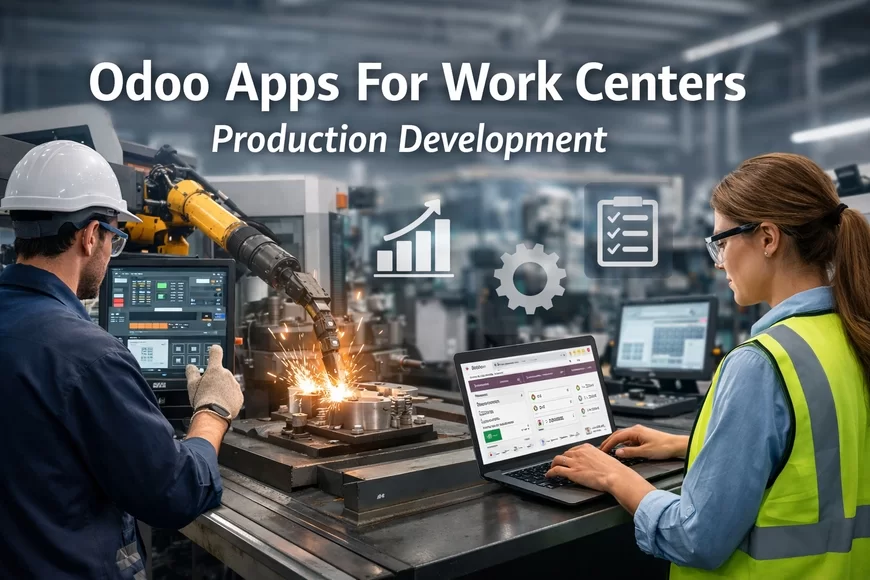
Odoo Apps For Work Centers Production Development
Improve scheduling and machine utilization with Odoo Manufacturing Work Centers. Plan capacity, reduce bottlenecks, and manage shop-floor operations clearly.
 RIbsadmin
Odoo Manufacturing Work Centers
Control capacity, balance workloads, and keep production moving with clarity
In many factories, production delays rarely come from lack of orders. They usually come from unclear capacity, overloaded machines, or poorly coordinated operations.
When teams cannot see the real availability of machines, workstations, and labor, production planning becomes guesswork. Small scheduling mistakes slowly turn into bottlenecks, idle time, and missed delivery commitments.
Odoo Manufacturing Work Centers bring structure and visibility to the shop floor. Every machine, workstation, or production unit is organized as a work center—so planners, supervisors, and operators understand exactly where work happens, how long it takes, and what capacity is available.
The result is simple but powerful: production flows with fewer surprises.
What Is a Work Center in Odoo Manufacturing?
A work center represents a physical or logical production resource used to perform manufacturing operations.
It may represent:
- A production machine
- A manual workstation
- An assembly station
- A packaging or finishing area
- A group of identical machines
- A specialized testing or inspection unit
Each work center contains key operational data such as:
- Capacity and working hours
- Setup and cleanup times
- Cost per hour or operational cost
- Efficiency parameters
- Alternative work centers
This information allows Odoo to calculate realistic production schedules and accurate manufacturing costs.
When structured correctly, work centers become the foundation of reliable production planning.
Why Work Centers Matter in Manufacturing
Manufacturers often experience invisible bottlenecks because planning systems assume unlimited machine capacity.
Work centers change that dynamic.
By defining capacity and availability, the ERP can:
- Allocate operations to the correct workstation
- Identify overloaded production areas
- Calculate realistic completion times
- Optimize scheduling across multiple resources
- Improve delivery date reliability
This creates a psychological shift inside the organization:
teams plan based on reality, not assumptions.
Key Capabilities of Odoo Manufacturing Work Centers
1. Capacity Planning
Work centers define how much work a production unit can handle within specific time periods.
This allows planners to avoid overloading machines and ensures operations are distributed logically across the shop floor.
2. Production Scheduling
When manufacturing orders are created, Odoo automatically schedules operations based on:
- Work center availability
- operation duration
- work center capacity
- existing workloads
This reduces manual coordination and keeps production timelines consistent.
3. Alternative Work Centers
If a primary machine becomes unavailable, operations can be routed to alternative work centers.
This flexibility helps manufacturers maintain production continuity even when unexpected disruptions occur.
4. Performance Monitoring
Work centers track production metrics such as:
- operation duration
- productivity levels
- downtime events
- operational efficiency
Managers gain a clearer understanding of which machines perform reliably and where improvements are needed.
5. Cost Tracking
Each work center can include operational cost parameters.
This enables the ERP to calculate:
- machine cost per operation
- labor and equipment utilization
- production cost accuracy
Reliable costing strengthens pricing decisions and profitability analysis.
Work Centers Across the Production Lifecycle
Work centers influence multiple stages of manufacturing operations.
Production Planning
Operations are assigned to the correct resources during scheduling.
Shop Floor Execution
Operators see exactly which workstation performs each task.
Production Monitoring
Supervisors track progress and identify delays in real time.
Cost Analysis
Operational costs are calculated based on work center activity.
When these layers connect, manufacturers gain end-to-end operational visibility.
Typical Work Center Configurations
Factories structure work centers differently depending on production complexity.
Common configurations include:
Machine-Based Work Centers
Each machine represents a dedicated work center.
Station-Based Work Centers
Assembly lines or manual workstations are grouped into production stations.
Resource Group Work Centers
Multiple identical machines share a single work center with defined capacity.
Specialized Process Work Centers
Used for inspection, finishing, testing, or packaging operations.
This flexibility ensures the ERP adapts to the factory layout rather than forcing a rigid structure.
Benefits for Production Teams
When work centers are structured properly, manufacturers experience measurable improvements:
- clearer production scheduling
- reduced shop-floor confusion
- fewer bottlenecks
- more accurate cost calculations
- improved machine utilization
The most valuable benefit is often psychological:
everyone understands where work happens and when it should happen.
That clarity strengthens operational discipline across the factory.
Implementation Considerations
Introducing work centers requires careful operational analysis.
Key steps include:
Production Mapping
Identify machines, stations, and resources involved in each operation.
Capacity Definition
Define realistic working hours and machine availability.
Operation Routing Setup
Assign manufacturing operations to appropriate work centers.
Testing and Validation
Simulate production scenarios to verify scheduling accuracy.
This structured approach ensures the system reflects actual production behavior, not theoretical models.
When Work Centers Deliver the Greatest Value
Manufacturers typically benefit the most from structured work centers when they:
- operate multiple machines or production lines
- require accurate production scheduling
- manage complex routing operations
- need better visibility of machine utilization
- want more reliable production costing
In these environments, work centers transform production management from reactive coordination into predictable operational control.
Core Odoo Service Lines
Choose the service layer that removes the most risk first
- Odoo Consulting: Define workflows, controls, KPIs, and rollout priorities: Odoo Software Consulting Services
- Odoo Implementation: Configure modules, roles, approvals, and reporting structure: Odoo Apps Implementation Services
- Odoo Customization: Extend features without destabilizing the system: Odoo Application Customization Services
- Odoo Integration: Connect data flows across business systems: Odoo Application Integration Services
- Workflow Automation: Reduce delays with controlled automation: Odoo Apps Workflow Automation Services
- Analytics and Reporting: Build KPI reporting that drives action: Odoo Apps Analytics and Reporting Services
- Support and Maintenance: Protect uptime, adoption, and controlled improvements: Odoo Apps Support and Maintenance Services
CTA - Odoo Manufacturing Work Centers
Production becomes easier when every machine and workstation has a clear role in the system.
- Evaluate how work centers can improve your scheduling accuracy
- Identify bottlenecks and capacity constraints in production
- Build a structured shop-floor model inside Odoo Manufacturing
- Book a Demo session: Contact Us
FAQs - Odoo Manufacturing Work Centers
Q1: What is a work center in Odoo Manufacturing?
A work center represents a machine, workstation, or production resource where specific manufacturing operations take place.
Q2: Can one work center represent multiple machines?
Yes. A work center can represent several identical machines with defined capacity.
Q3: How do work centers affect production scheduling?
They allow Odoo to schedule operations based on machine availability and workload.
Q4: Can operations move to alternative work centers?
Yes. If a machine becomes unavailable, operations can be redirected to alternative work centers.
Q5: Do work centers help with cost calculation?
Yes. Operational cost parameters enable more accurate manufacturing cost tracking.